Save the recipe.Skip the rewind.
Share any Reel, TikTok, YouTube video or recipe site to CookinBuddy. You get the ingredients, the steps and a grocery list, without pausing a single video.
 Free on iPhone

From any recipe to dinner.
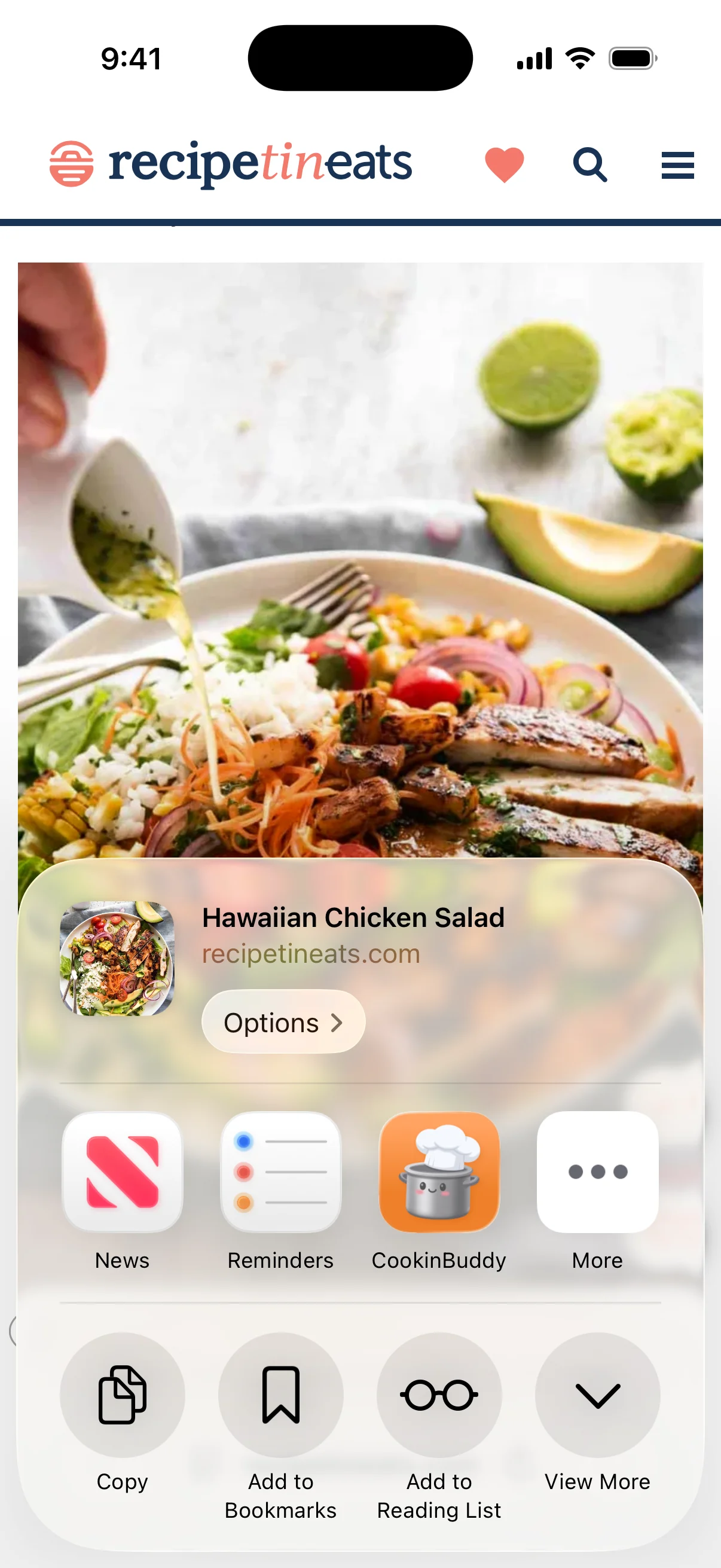
Tap Share
On a Reel, a TikTok, a YouTube video or a recipe blog. CookinBuddy sits in the share sheet next to everything else.
Buddy writes it down
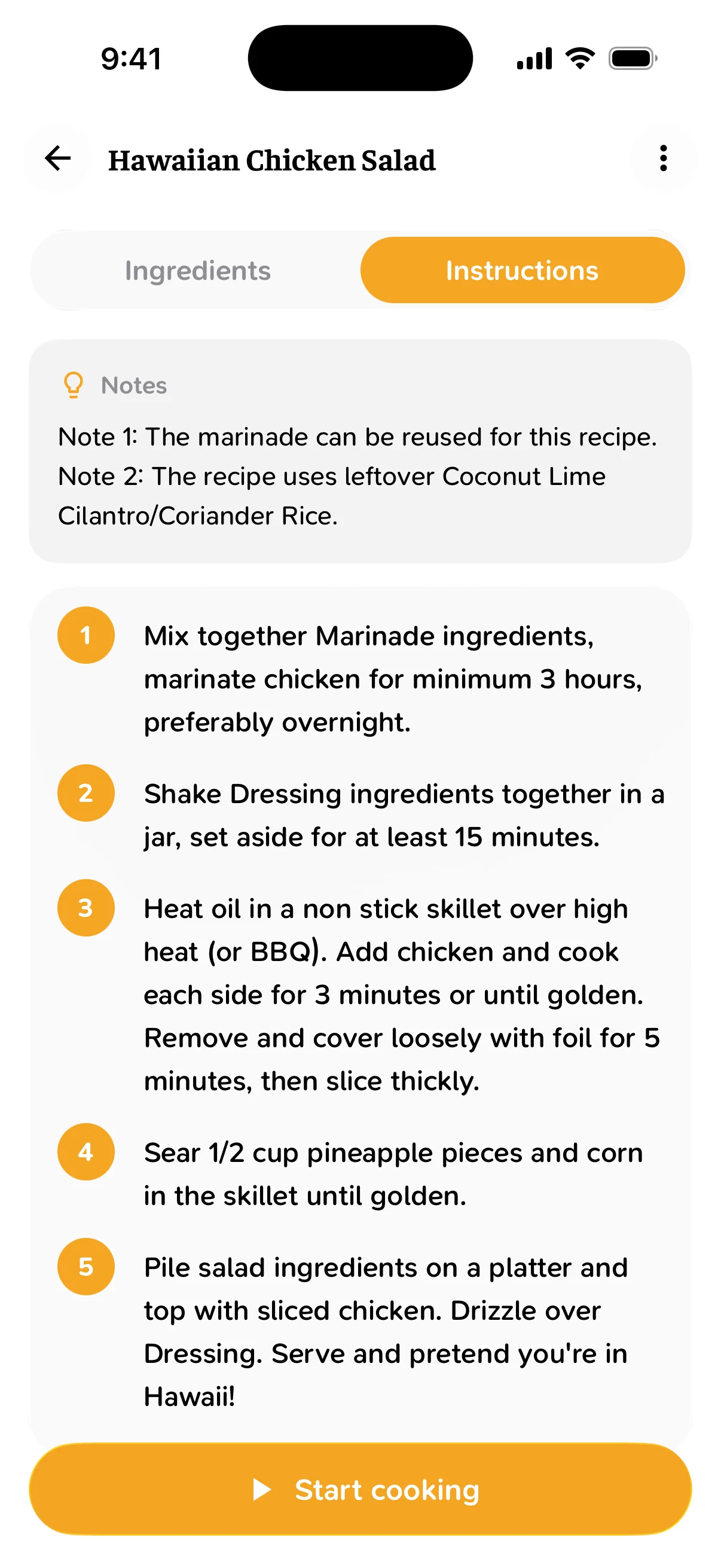
It reads the page, the caption or the video, and comes back with every ingredient and every step, numbered, with the cook's notes kept.
Shop it in one list
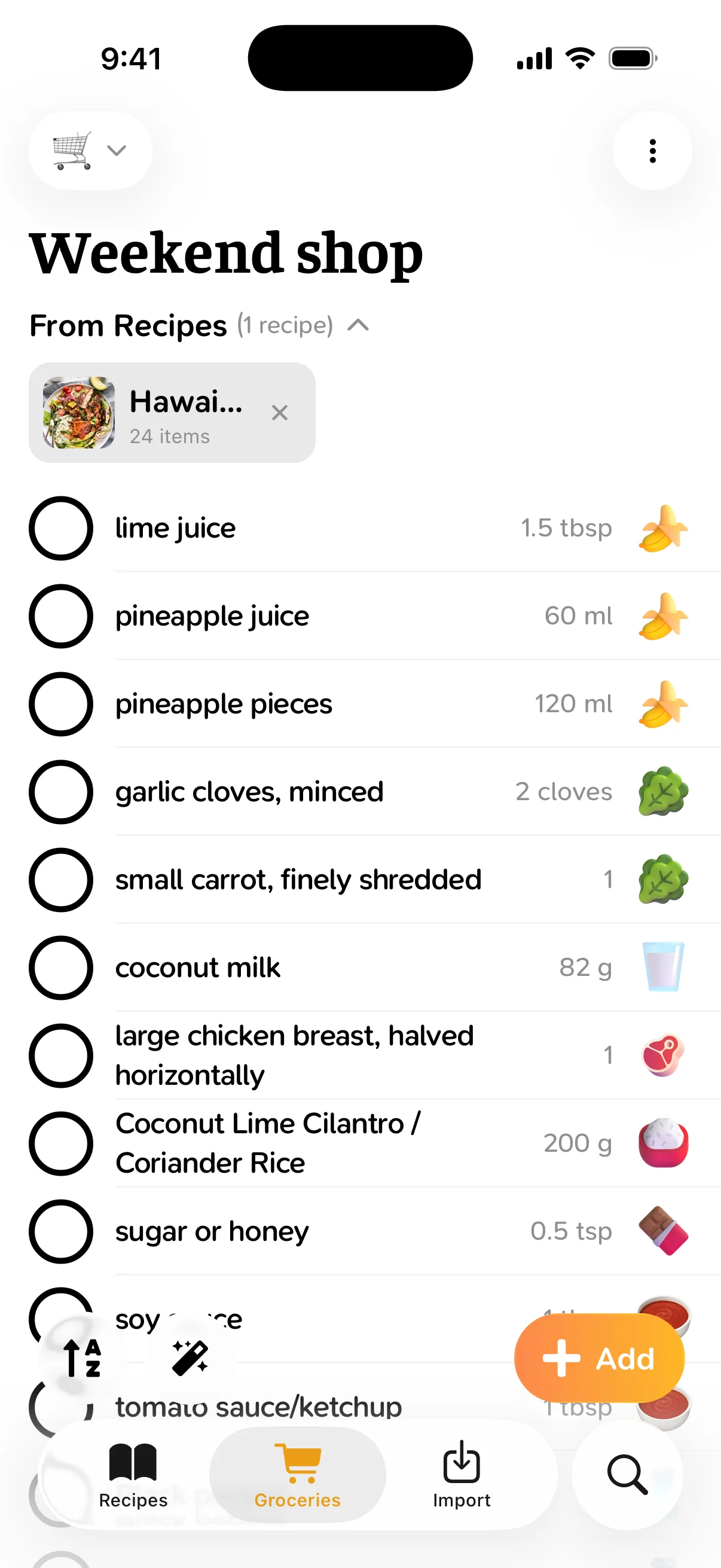
Tap Shop and the ingredients land on your list. Share the list and everyone sees what's already in the basket.
Cook without touching it
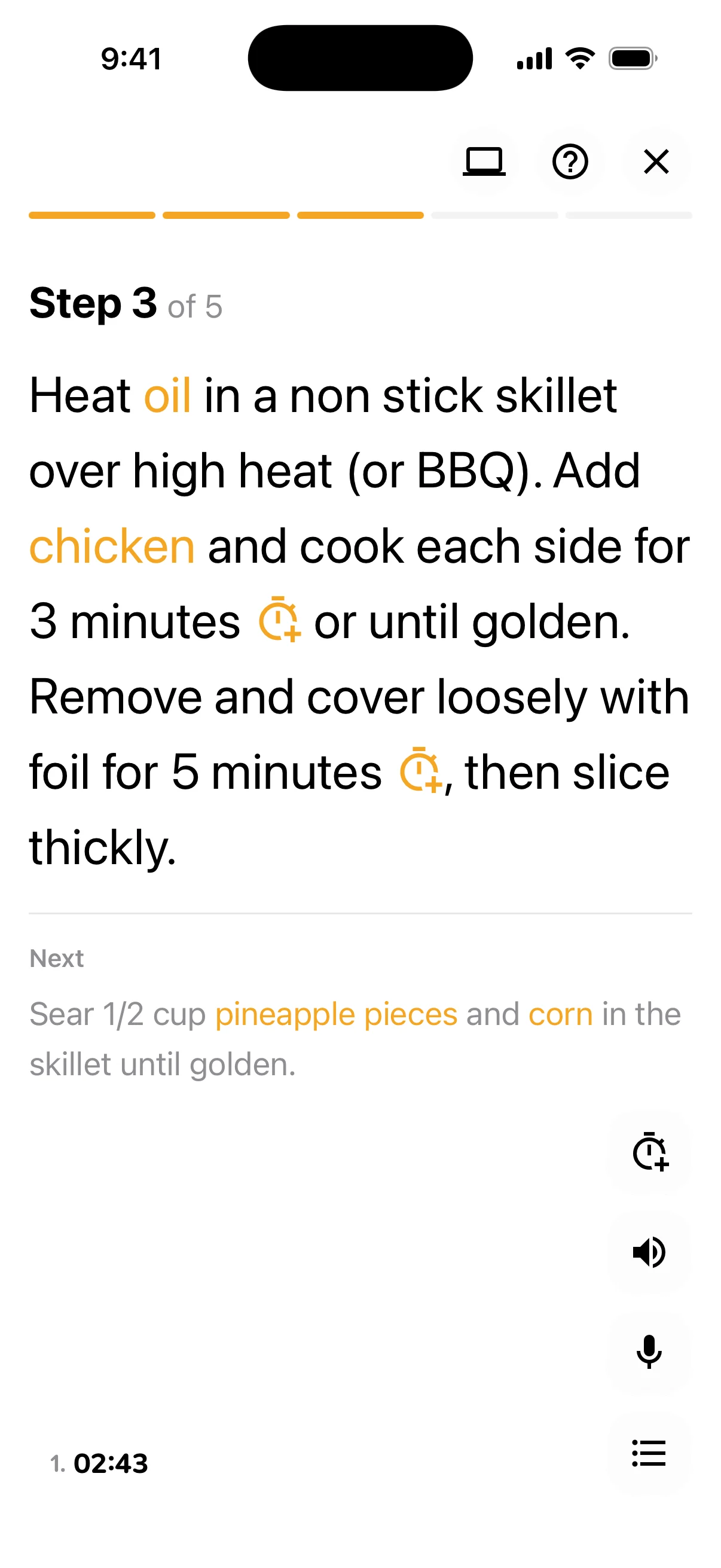
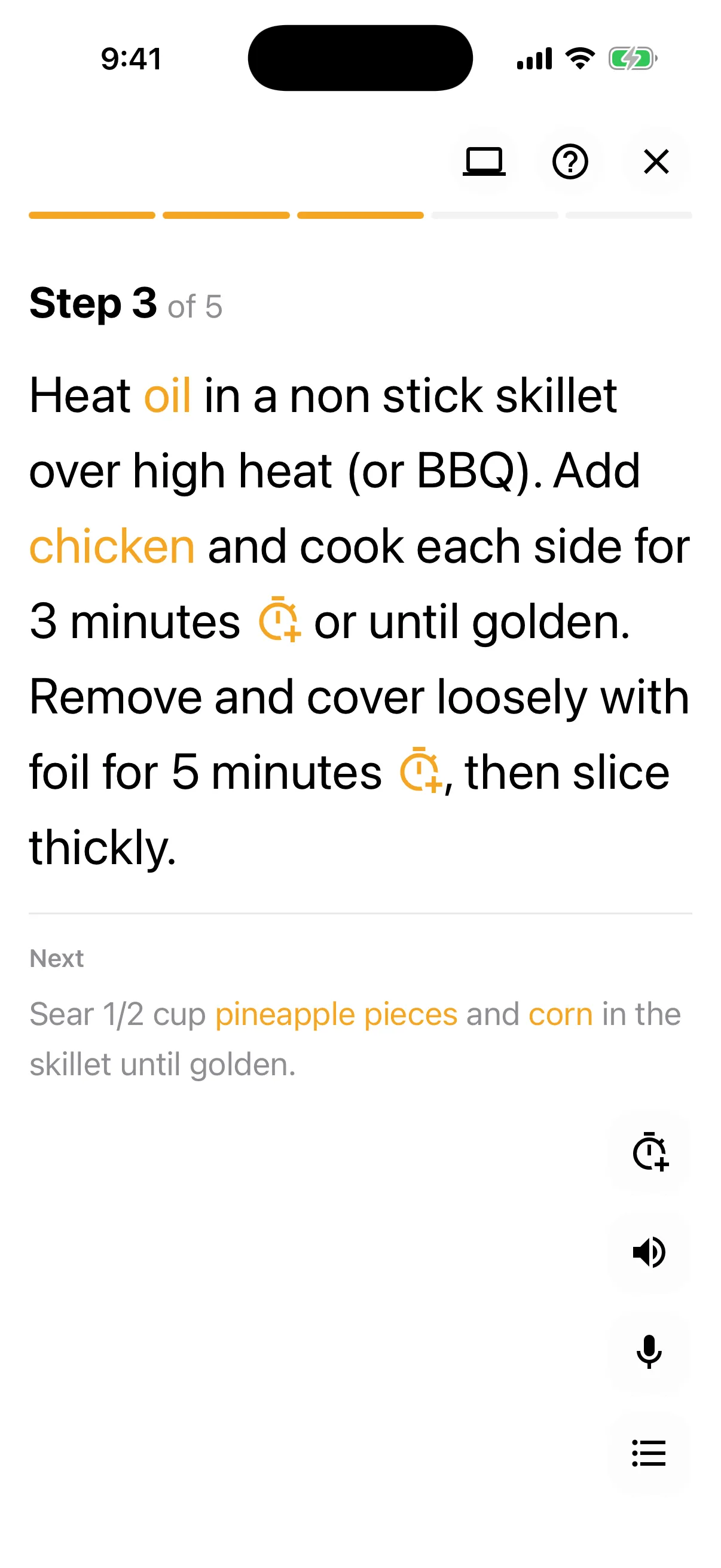
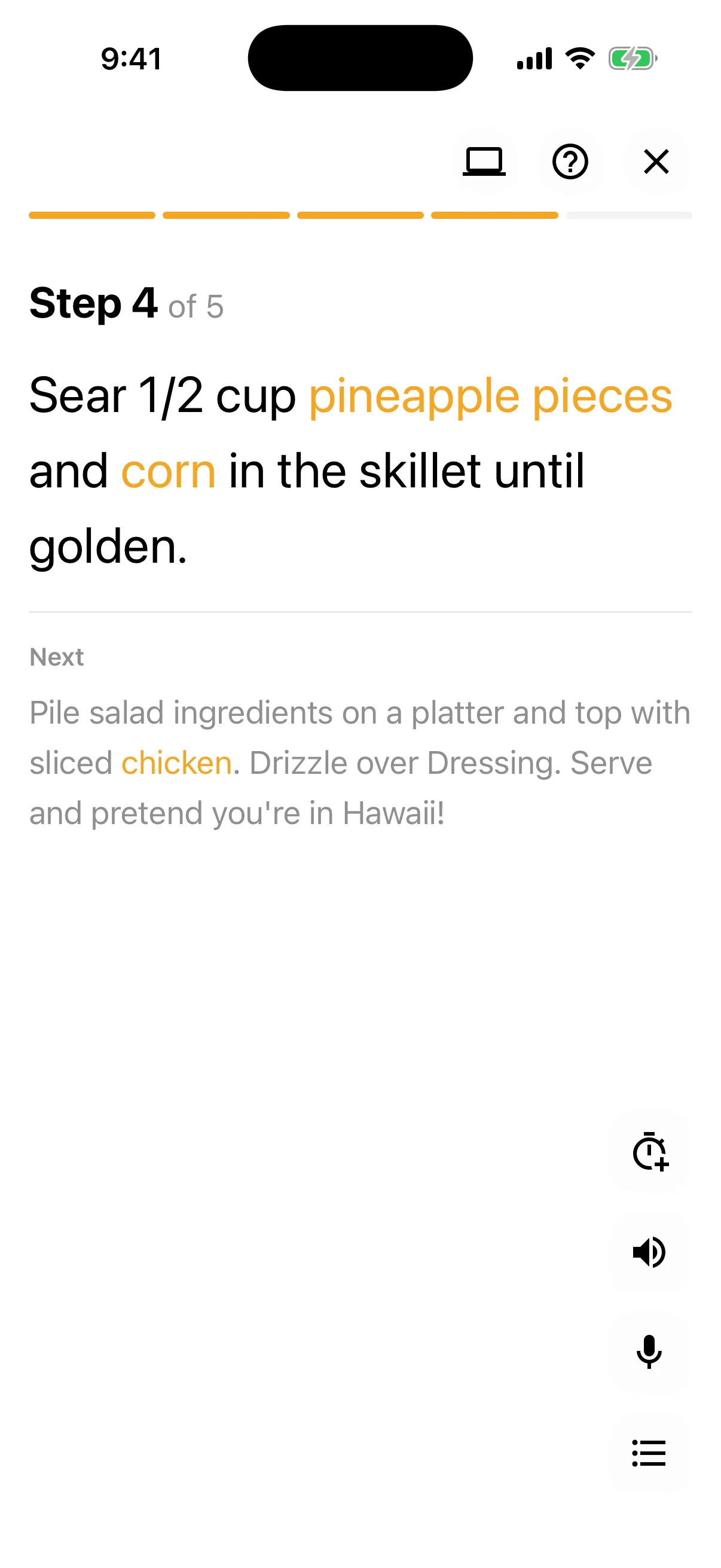
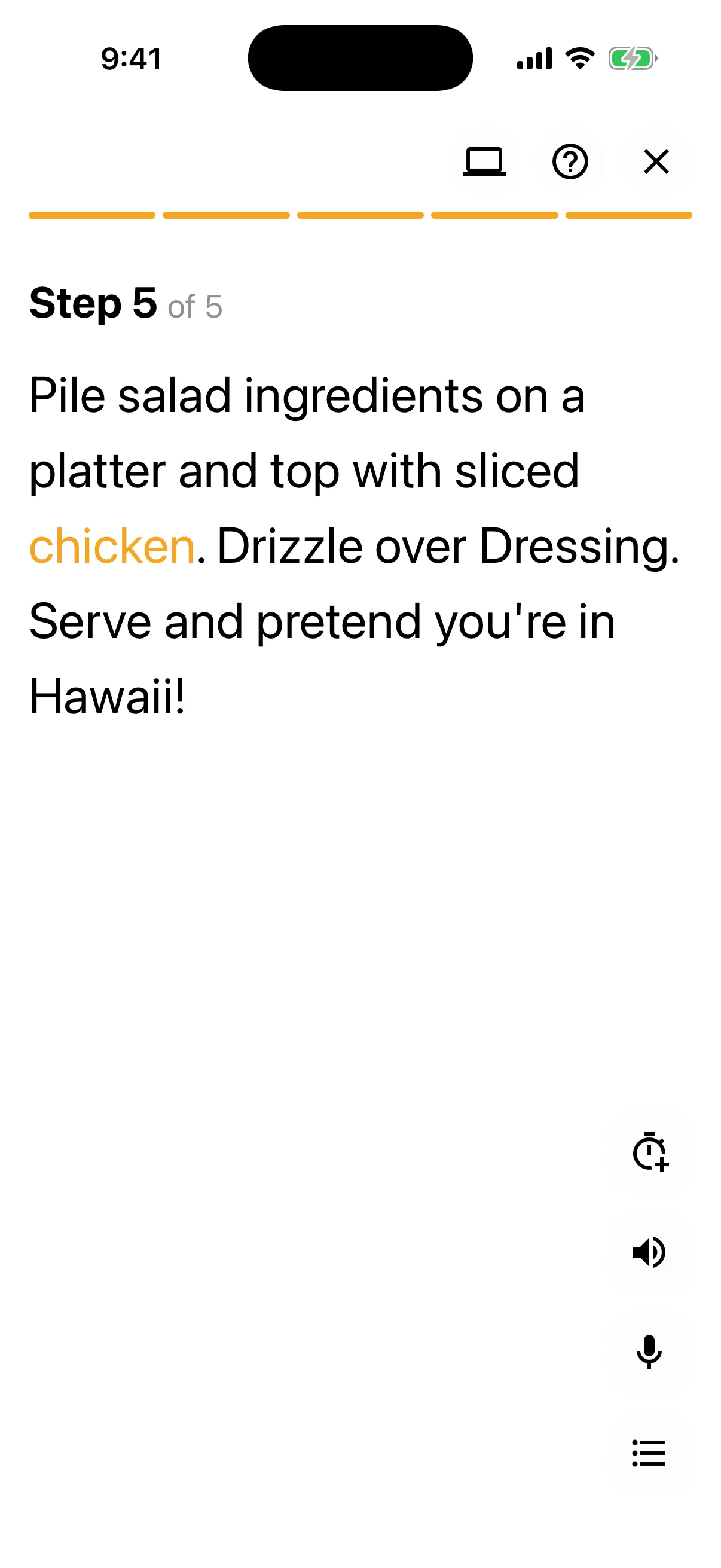
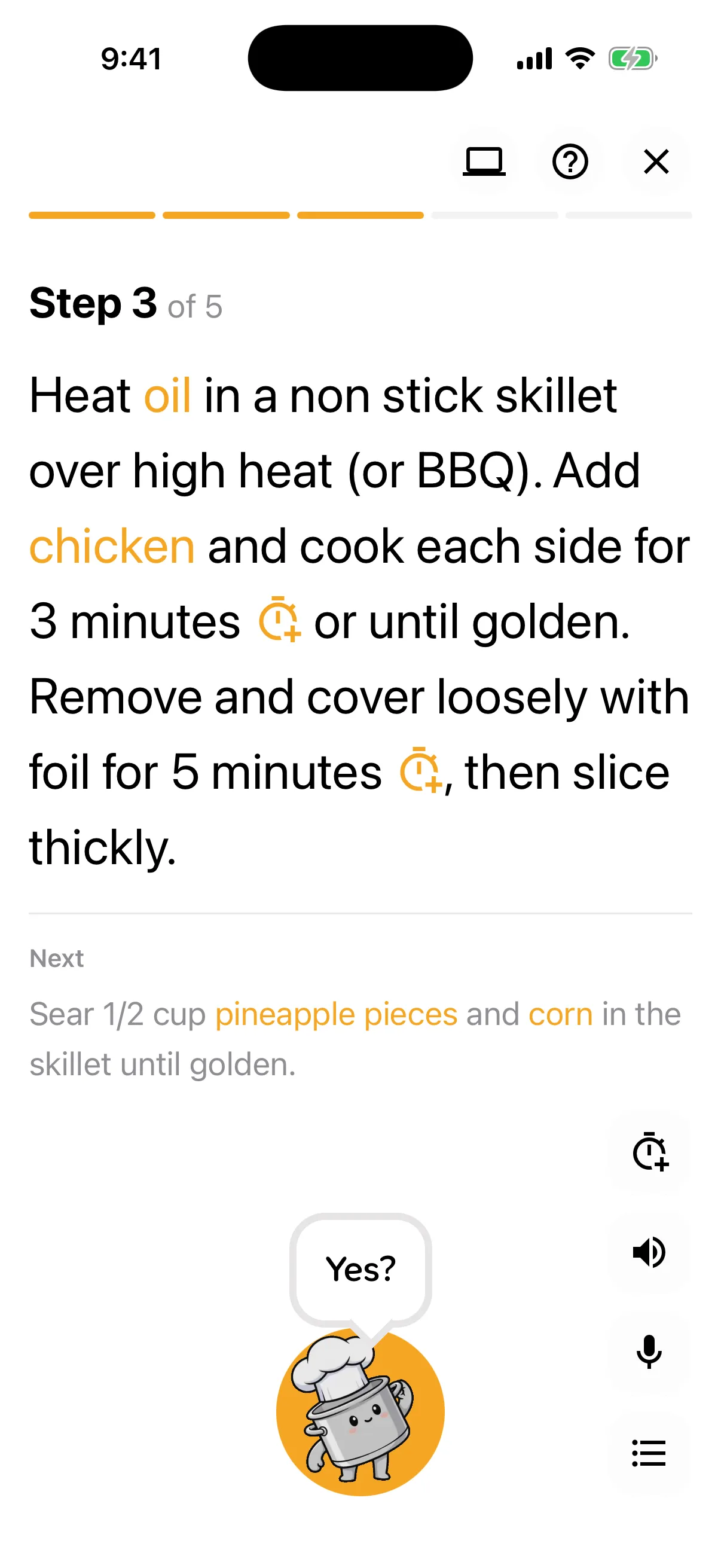
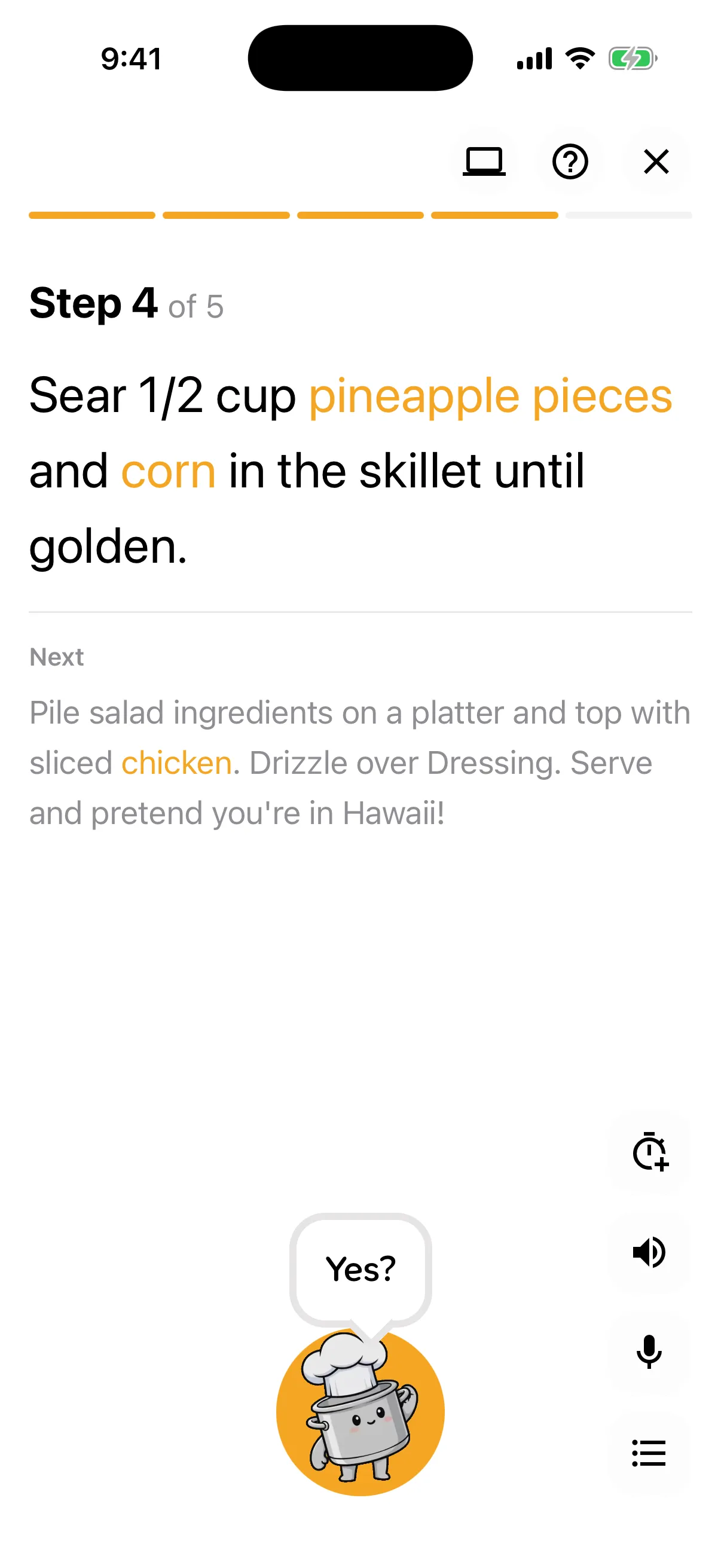
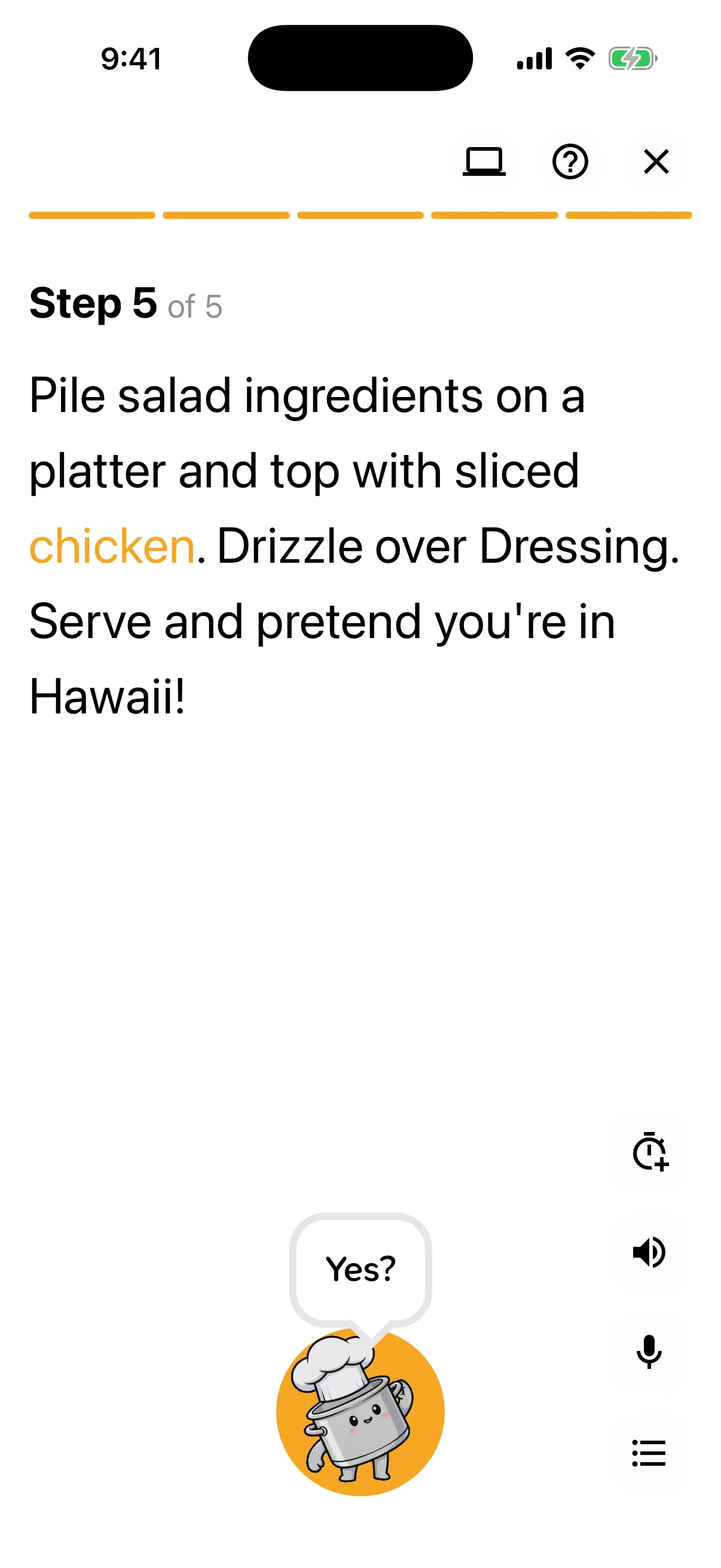
One step at a time, in type you can read from the stove. Timers start from the step itself, and “Hey Buddy, next” turns the page.
Just say Hey Buddy.
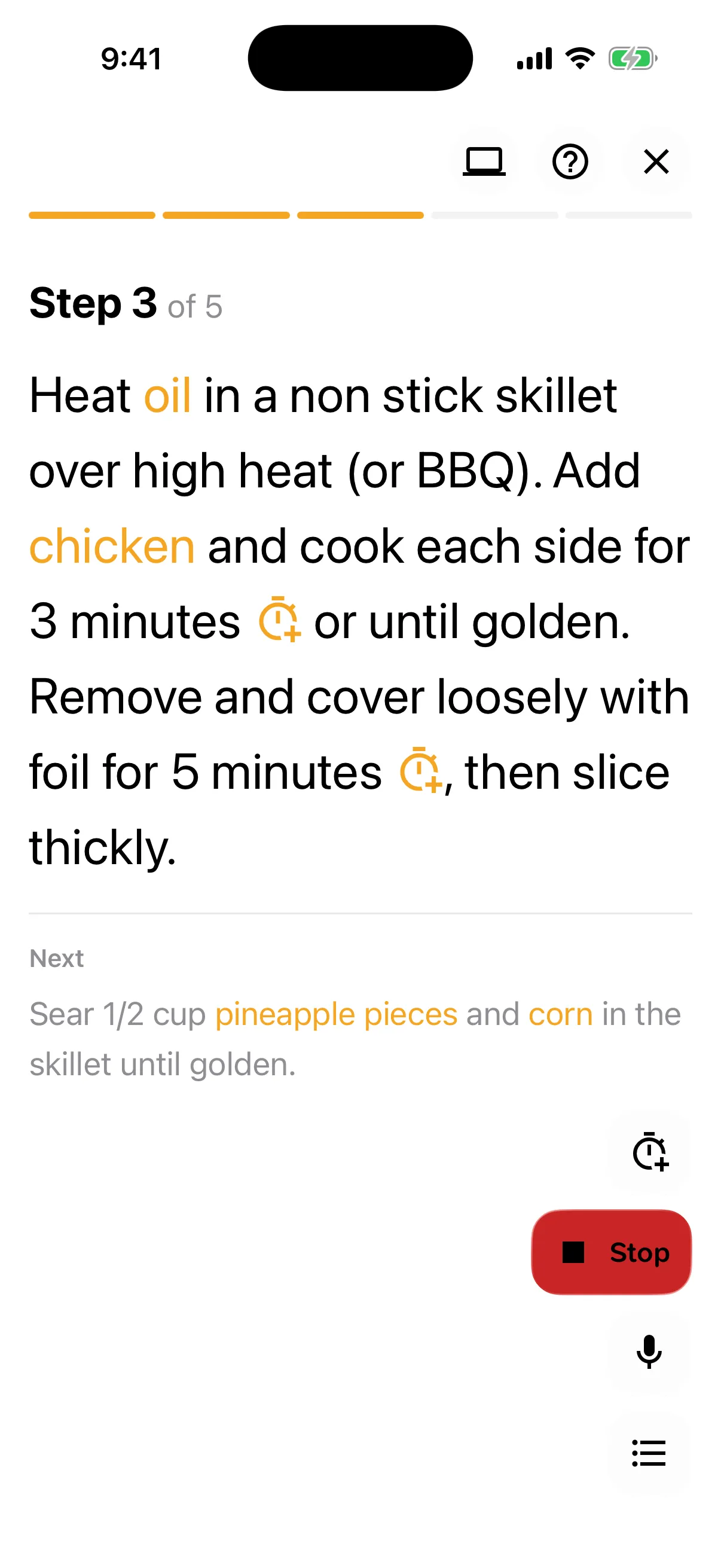
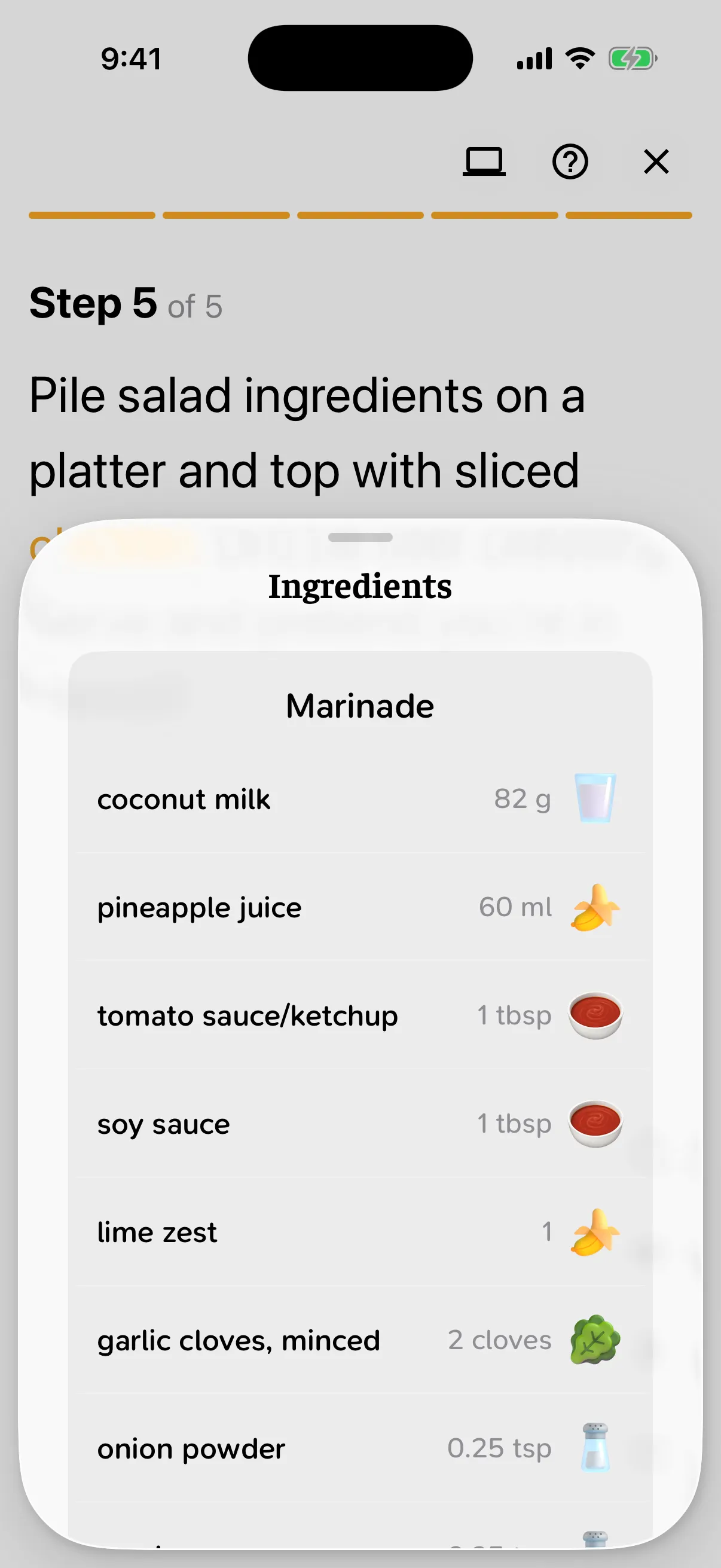
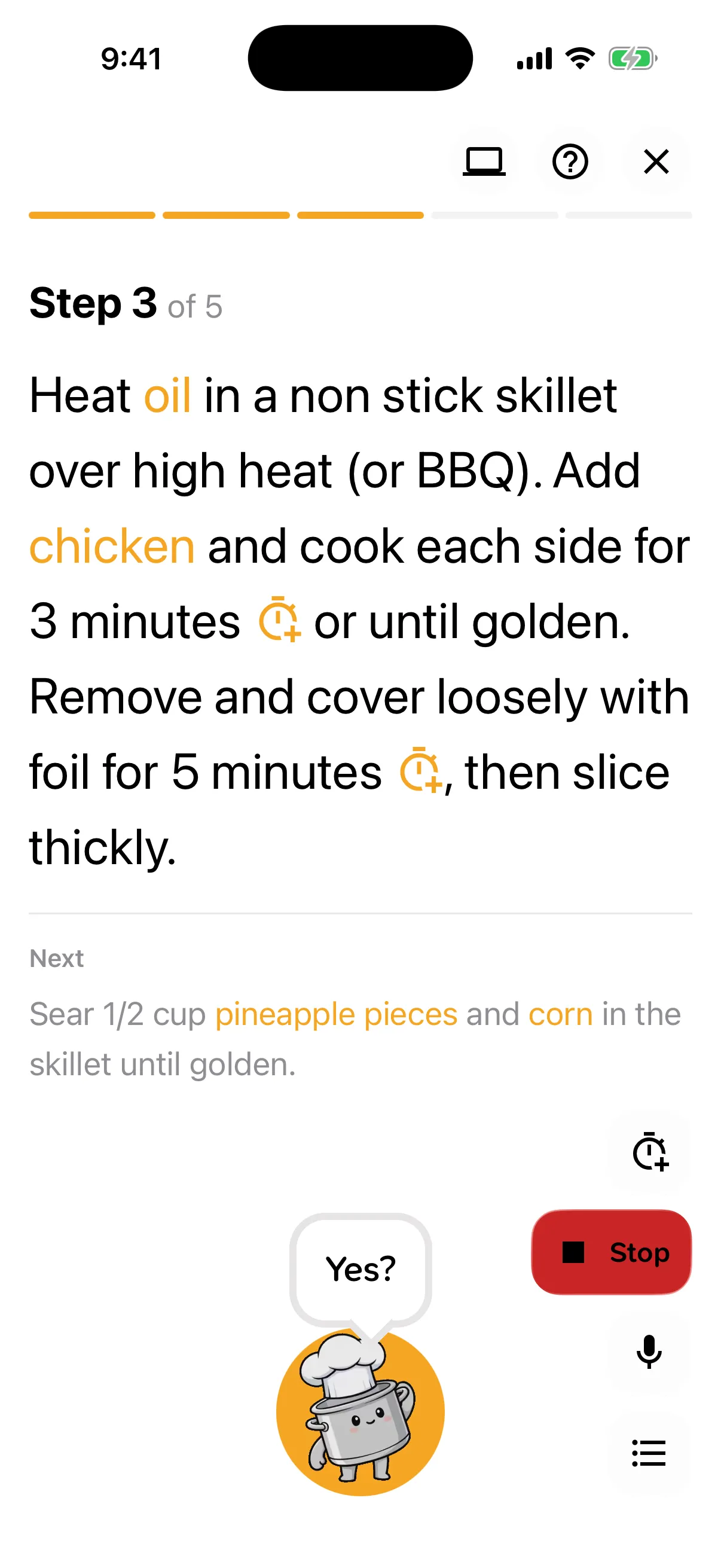
Cooking mode listens while you cook, so you never touch the screen with messy hands. Buddy reads steps aloud, runs timers side by side, and keeps the screen awake.
- “Read”
- “Stop”
- “Next”
- “Back”
- “Step five”
- “Show ingredients”
From beta testers
“I used to spend 30 minutes writing shopping lists. Now I pick recipes and Buddy does it for me. Sorted by aisle!”
“My wife adds recipes, I build the shopping list, and we cook together with the step-by-step mode. Perfect.”
“I photographed all of my grandmother's handwritten recipe cards and Buddy imported them perfectly. So grateful.”
“I told it I was hosting a dinner party for 8 and it generated a complete shopping list with the right quantities.”
Dinner's waiting.
Free to download. Max comes with a 14‑day free trial.